

Registered with the ATO
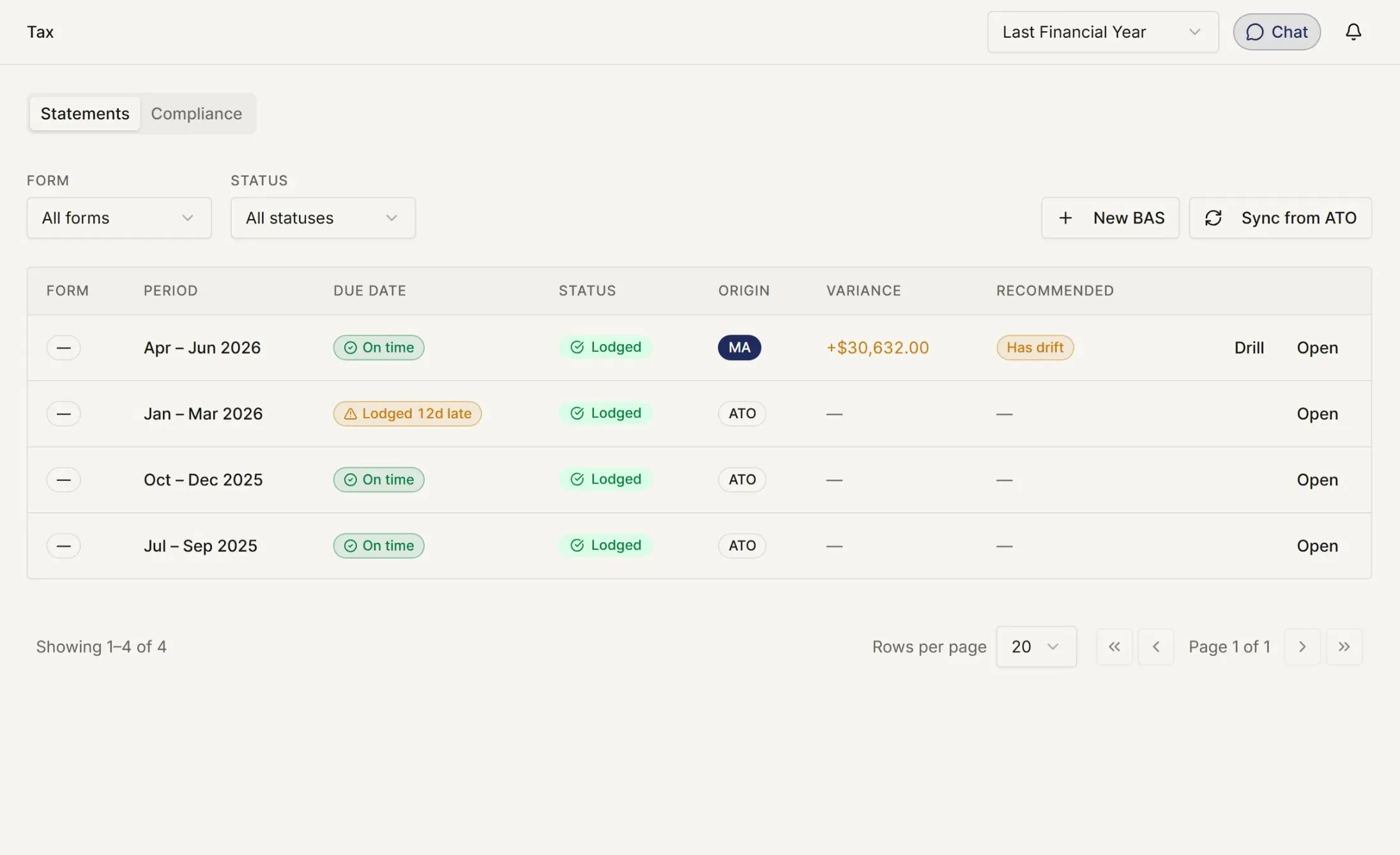
Listed under the ATO's Digital Service Provider programme, and lodging through Standard Business Reporting, the regulator's own channel.
When your clients use myaccountant, the handoff changes. Books organised. Receipts attached. Review trails easier to follow.
Listed under the ATO's Digital Service Provider programme, and lodging through Standard Business Reporting, the regulator's own channel.
Information security practices designed for sensitive financial data, records, documents and review trails.
Designed around Australian households, business owners, property investors, payroll, BAS and accountant workflows.
What actually goes wrong
01
Records arrive at the end, so you start by rebuilding the year. When the client keeps their books as they go, it is already built when you open it.
02
See which clients are up to date, which have gone quiet, and which are waiting on you, without having to ask any of them.
03
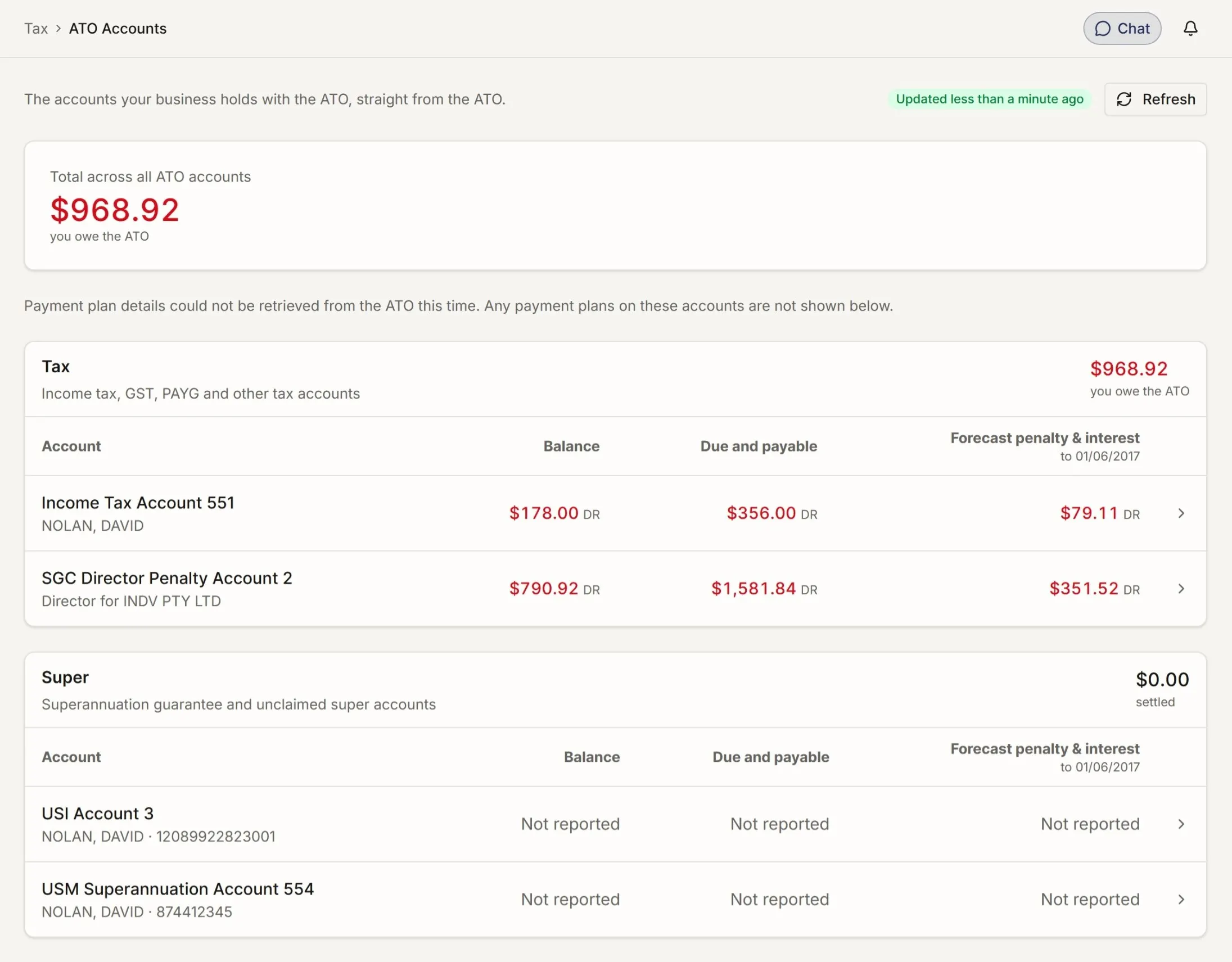
Add a client, check their ATO balances and lodge, without opening the portal. What the ATO holds sits next to what the books say.
04
Each transaction arrives already prepared, with the document it came from and the reason it was coded that way. Your team checks the work instead of doing it.
The quiet worry is whether software makes the accountant less necessary. It should do the opposite. By reducing data entry, myaccountant moves the practice back toward review, judgment, and advice.
The document flows follow the same rule. You see the source, extraction, category and posting before you approve. Your review is still the review. It starts from a cleaner page.
Questions you might be asking.
They send you an invitation. You accept it. Their books open in your practice dashboard, scoped to what they have shared.
Yes. The practice dashboard lists every client you are engaged with, sortable by next lodgement, by staff allocation, or by flag.
Per staff member, per client. Read-only, edit, approve, lodge, at the granularity you need. Clients see who from your practice has access to what.
Either. Lodge SBR-direct to the ATO, or push the prepared data to the agent software you already use.
myaccountant starts from the client's whole financial life, not their accounting software. When a client brings you their individual tax, their investment property and their side business in one platform, the practice tools sit on top of that.
The client. You hold delegated access for the engagement. If they leave the platform, their records go with them; your notes remain in your practice.
Send an invitation. They get a guided setup. You get their books in your dashboard as soon as they complete it.
No payment details required.